
Apeos 3560 / 3060 / 2560

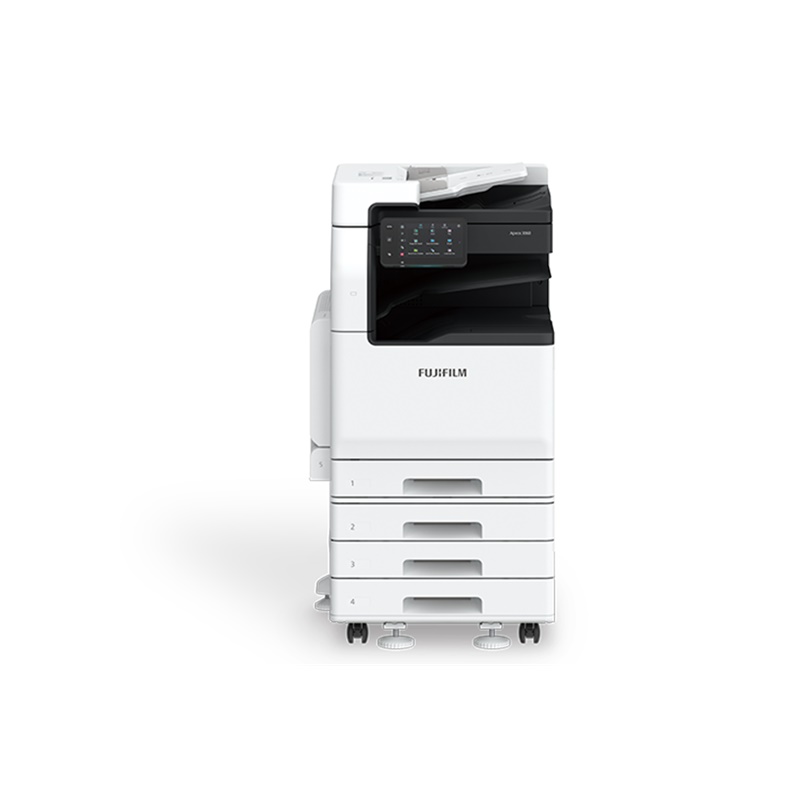
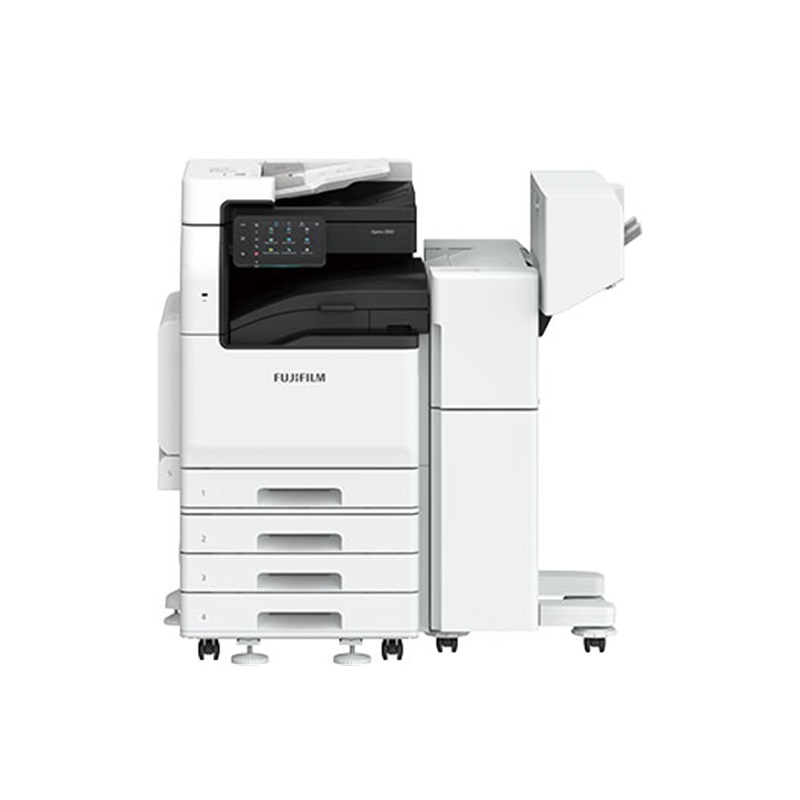


Pregled
- Kopiranje/tiskanje: 3560 35 ppm*1, 3060 30 ppm*1, 2560 25 ppm*1
- Skeniranje: barvno/črno-belo, dvostransko skeniranje 80 ppm*2, 1 enostransko skeniranje 55 ppm*2
- Faks*3: Super G3 FAX
- Ločljivost tiskanja: 1,200 x 1,200 dpi
- Nadzorna plošča: 7-palčni nagibni barvni zaslon na dotik
- Podpora brezžičnemu omrežju LAN*3
- Podpora mobilnim napravam
- Interaktivnost v oblaku
*1 A4 LEF.
*2 A4 LEF 200 dpi v mapo.
*3 Opcijsko.
Brezkompromisna uporabnost in združljivost
Večnamenska naprava z majhnimi dimenzijami in enostavno namestitvijo
- Kompaktna zasnova s širino 590 mm in globino 659 mm
- Izberite ustrezno konfiguracijo z 1, 2 ali 4 pladnji glede na vaše potrebe
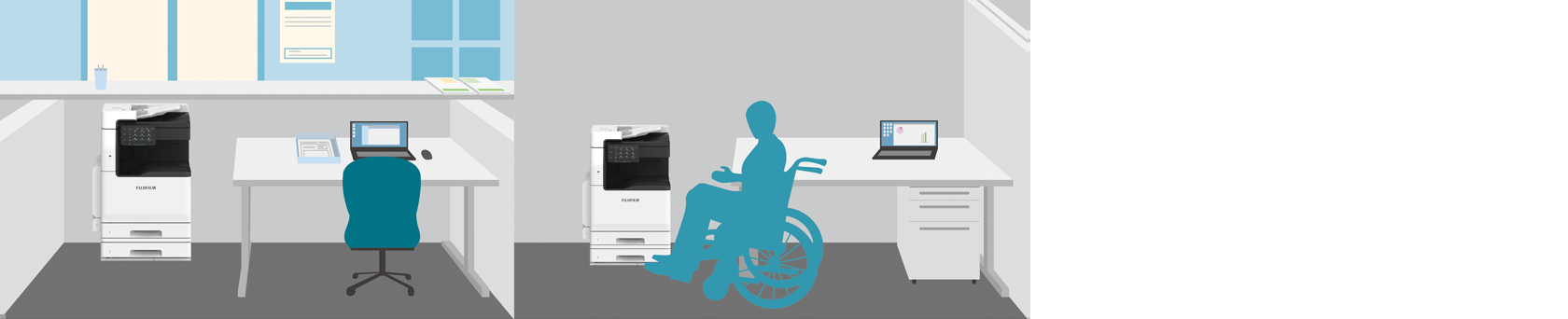
Konfiguracija z dvema pladnjema, optimalno višino in prilagodljivim uporabniškim vmesnikom omogoča enostavno upravljanje za vse (vključno z osebami s posebnimi potrebami).
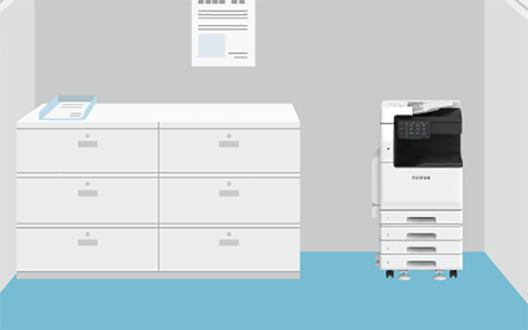
Skupna raba tiskalnikov v pisarnah.
Nepremagljiva kakovost slike
- Tiskanje z visoko ločljivostjo 1200 x 1200 dpi, doseženo z LED-tiskalno glavo
- Obdelava za izboljšanje slike omogoča bolj gladko upodabljanje diagonalnih črt in obrisov znakov, ki se pri tiskanju lahko pojavijo kot nazobčani
- Z izkoriščanjem lastnosti fiksiranja pri nizki temperaturi tonerja EA-Eco LGK z manjšo sijajnostjo smo dosegli natis, ki je prijazen do oči in enostaven za skeniranje
Hitro skeniranje večjega števila izvirnikov
|
 |
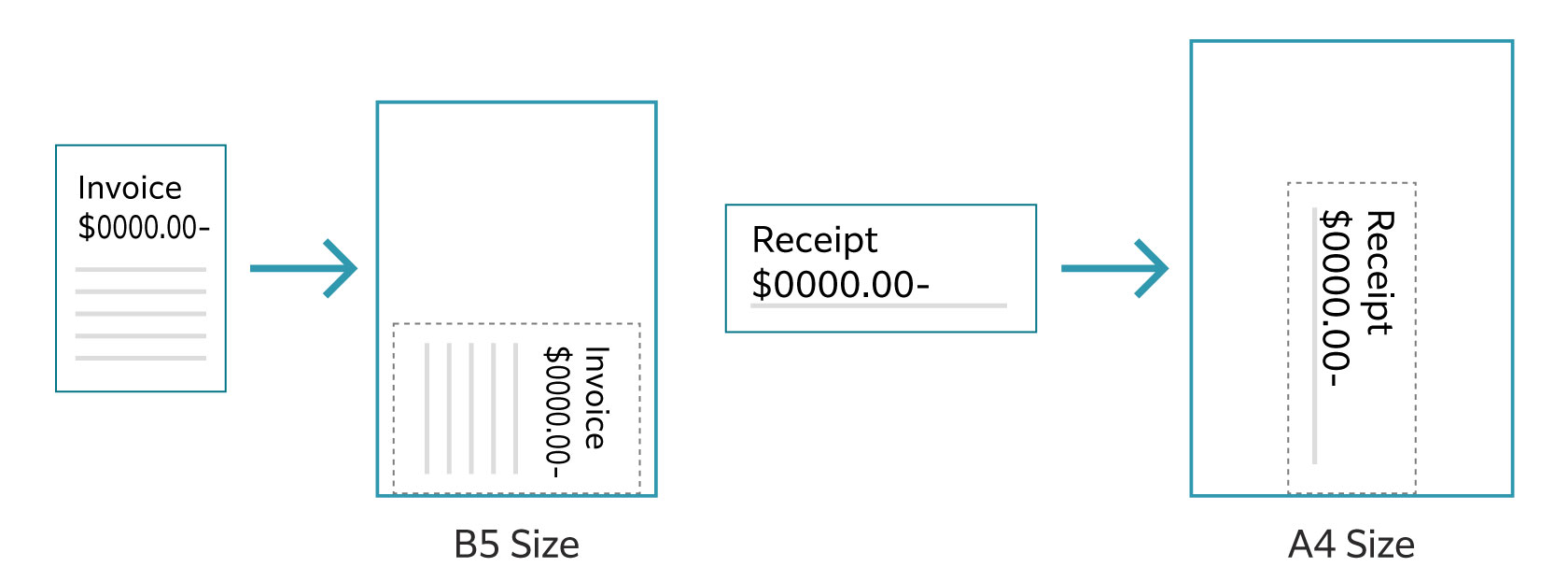
Majhne predloge samodejno skenira takšne, kot so, v standardno velikost
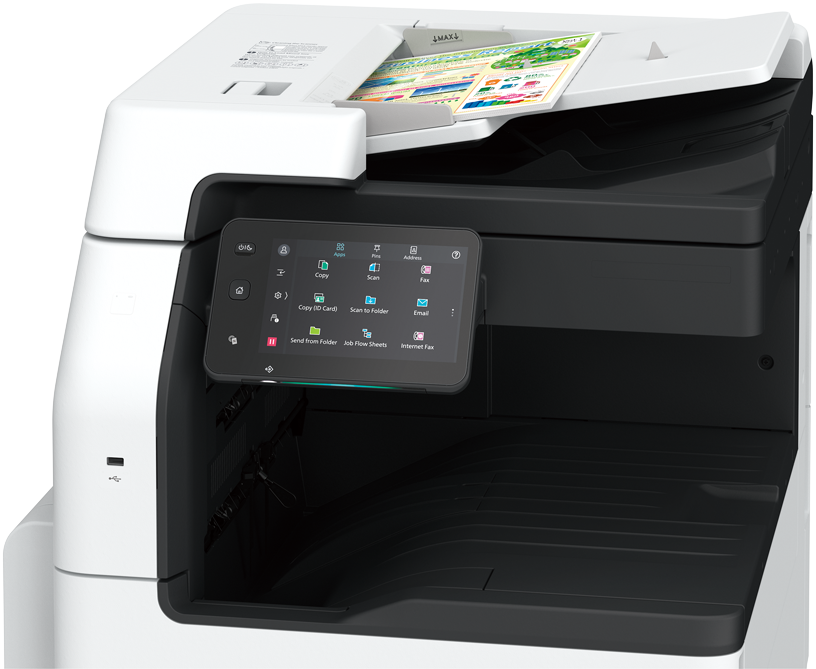
Hitri zagon in izhod za večjo učinkovitost
- Fast Boot Mode prepares the operation panel in 6 seconds*1
- Quick warm up in less than 28 second
- First Copy Output Time in 4.5 seconds*2
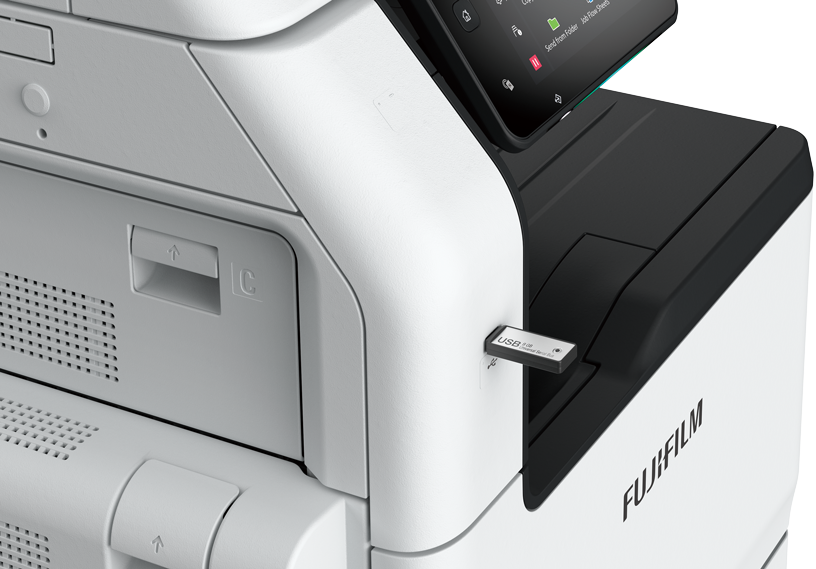
Direct scan to or print from USB for efficient operations
|
 |
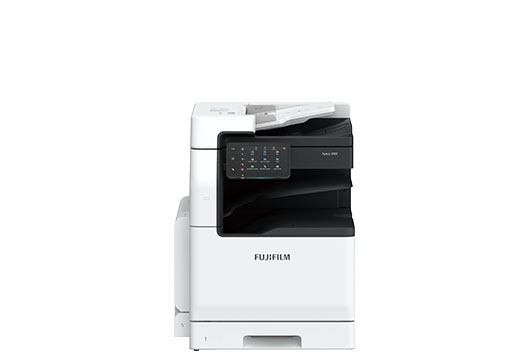
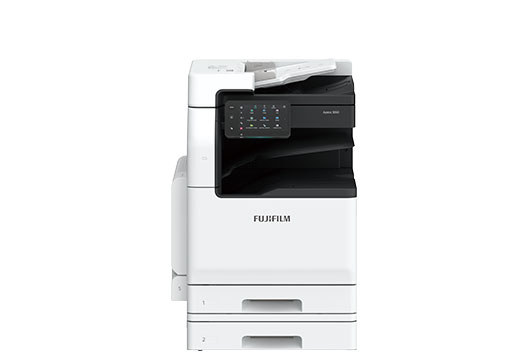
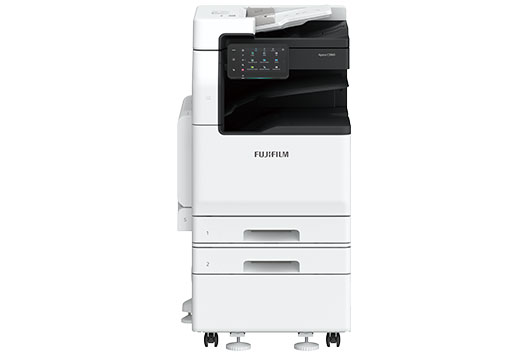
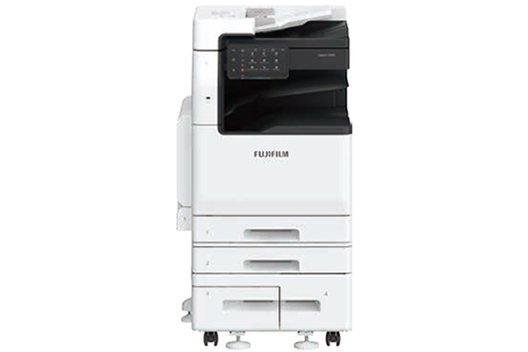
Various combinations
 |
 |
 |
.jpg) |
|||
| Standard Configuration Model-1T | With 1 Tray Module*3 | With 1 Tray Module with Cabinet*3 | With 3 Tray Module*3 | |||
|
|
||||||
 |
||||||
| With Tandem Tray Module*3 |
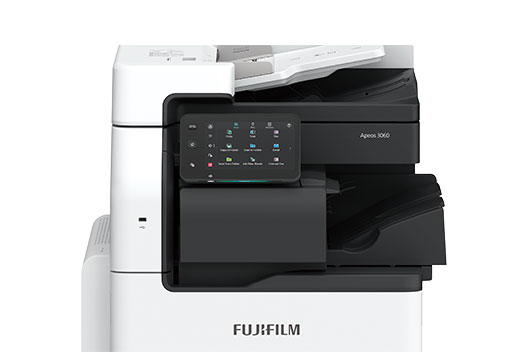
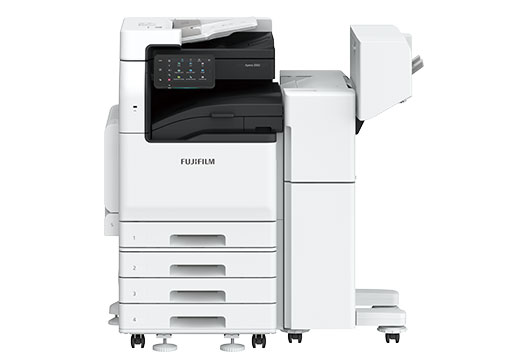
Various options are available according to your needs
Finisher-A2*3 |
Finisher-B4 with Booklet Maker Unit*3 |
|||
 |
|
 |
|
|
- *1 Depending on the status of the main unit and configuration of options, it may not operate or take more than 6 seconds.
- *2 A4 LEF for Apeos 3560 when in horizontal/Monochrome preferred mode.
- *3 Optional.
- *4 Booklet Maker Unit is required. When specifying Saddle Staple or Single Fold with Finisher-B4, paper is not folded but creased.
Quick and simple operability
Simple layout with easy navigation
Black and gray tone UI gives better contrast for easy recognition.
- Icons are evenly spread for easy recognition
- Consistent operation steps of each function for easy recall
- Home screen personalisation for ease of access to commonly used functions
- Pin regular settings for registering frequent or repeated jobs
- Clear visible light notifications for completed or error jobs
- Subtle sound notification for alert and attention
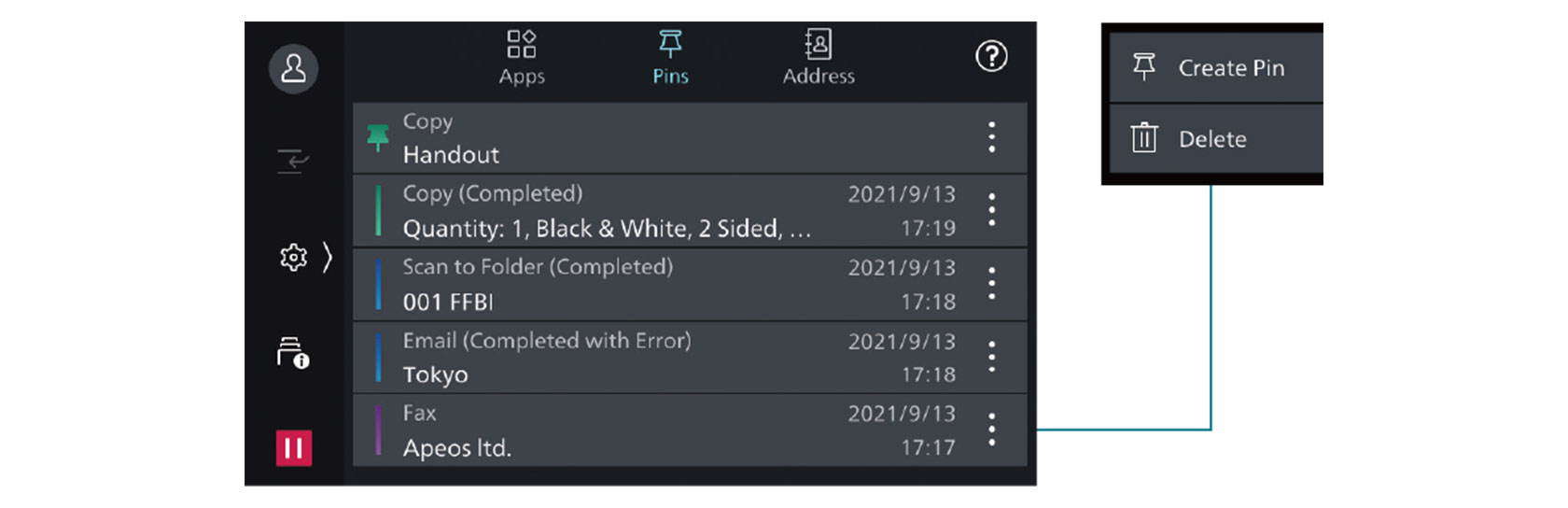
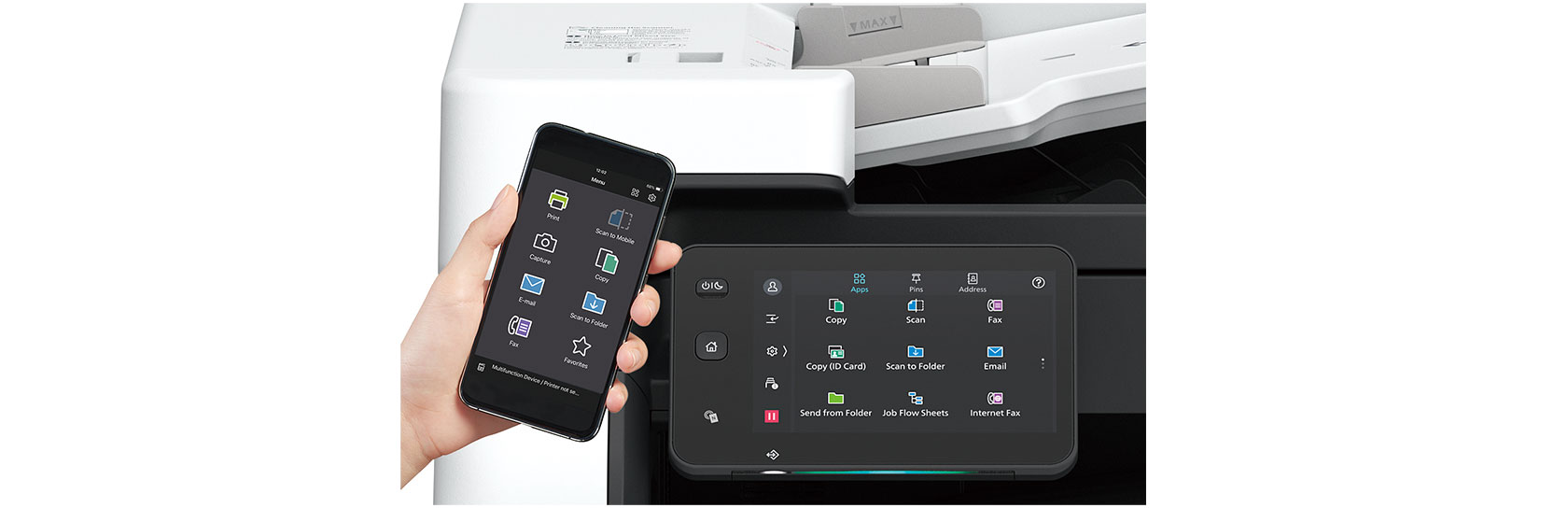
Smartphone becomes a "portable operation panel"
Seamless connectivity with mobile devices for Copy, Fax, Print, Scan*5 jobs using the Print Utility*6 application.
- Mobile device can be used as an alternative UI for operations control to minimise common touch points
- Frequent settings can be saved as "Favourites"
- Directly send fax or email with the addresses stored in the smartphone
- Minimise printer touch points for hygiene reasons
Note: Connect to machine via wireless environment or Wi-Fi direct connection.
Flexibility in office layout
Supports wireless LAN environment*3.
- Supports free addressing in the office with Wi-Fi support
- Up to five Wi-Fi Direct multifunction devices can be connected at the same time
- Supports direct mobile printing*7
- Print Utility, AirPrint, and Mopria® Print Service are supported
Multiple destination scanning
Multiple destination scan enables concurrent multi destinations, scan to PC folders, e-mail, and URL.
- Business continuity planning can be established by saving a copy of each scan on PC or Server (URL)
*5 E-mail, Scan to Folder.
*6 It can be downloaded free of charge from Google PlayTM or App Store.
*7 When connecting to Wi-Fi Direct.
|
|

Safeguard important information
Information is an important asset which should be protected at all cost
Protect from unauthorised user
Multiple options of setting user authorisation allow administrator to select a right combination as per given environment.
- Local Authentication
- Authentication by Remote Server
- IC Card Authentication*3
- User-specific feature access
- Private Charge Print
Additional layer of unwanted access can be created for specific users. (e.g. guests).
- Secondary Ethernet Kit*3
Protects Data
Protects against any malicious intent of hacking, tampering with device / system settings.
- Encryption of stored data
- Uses TPM*9 2.0 chip for encryption key management
- Deletes settings and document information all at once
Protects the information by means of strong encryption while transferring it between devices, servers etc.
- Encryption of communication paths by SSL/TLS or IPsec
- Encryption when transferring via SMBv3 and SFTP
- Scan file encryption/signature
- Email encryption and signature by S/MIME
- TLS version limit
- Elliptic curve cryptography
- WPA3
Protect from unauthorised access
Protects device settings at multiple levels by clearly demarking change restrictions for different target audience - End users, IT administrators and Service Engineers.
- Service representative operation restriction
- Account lock to prevent unauthorised access
- Information for changing the default password
- Warnings displayed when using global IP address
Prevents unauthorised program from installing without notice. Robust IT audits are supported with device data logs for easy tracking.
- Software signature verification
- Remote update restrictions
- IP address filtering
- Tampering detection at startup and automatic restoration when tampering is detected
- Prevention of tampering during operation
- Audit log
- Audit log system transfer
Prevents operation errors
Prevents information leakage due to inadvertent mistakes by administrators and users.
- Scan documents to be delivered to fixed destination
- Re-enter fax recipient
- Annotations
- Watermark
*3 Optional.
*9 Trusted Platform Module
