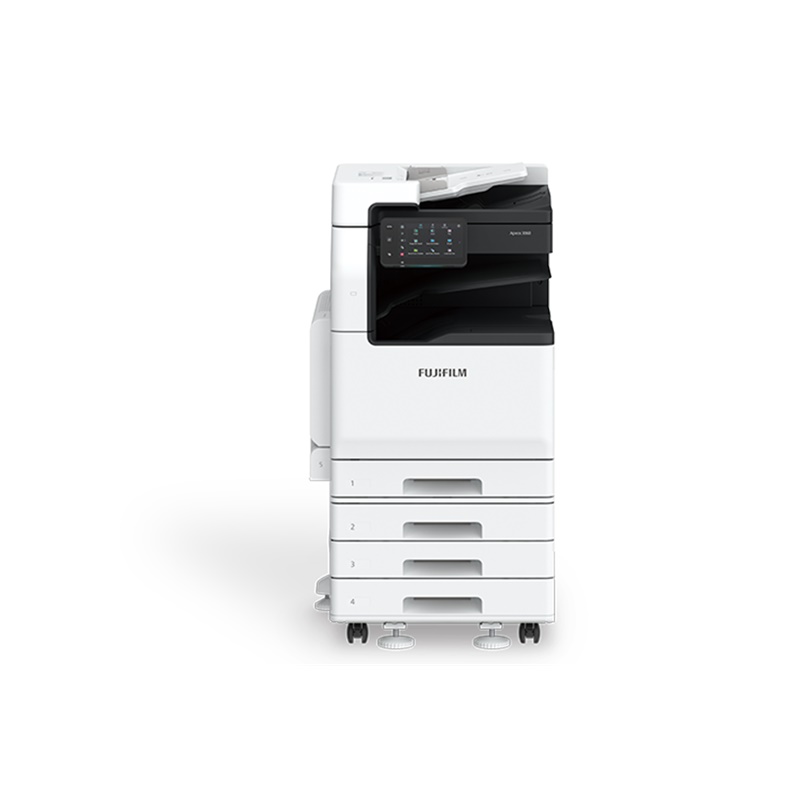
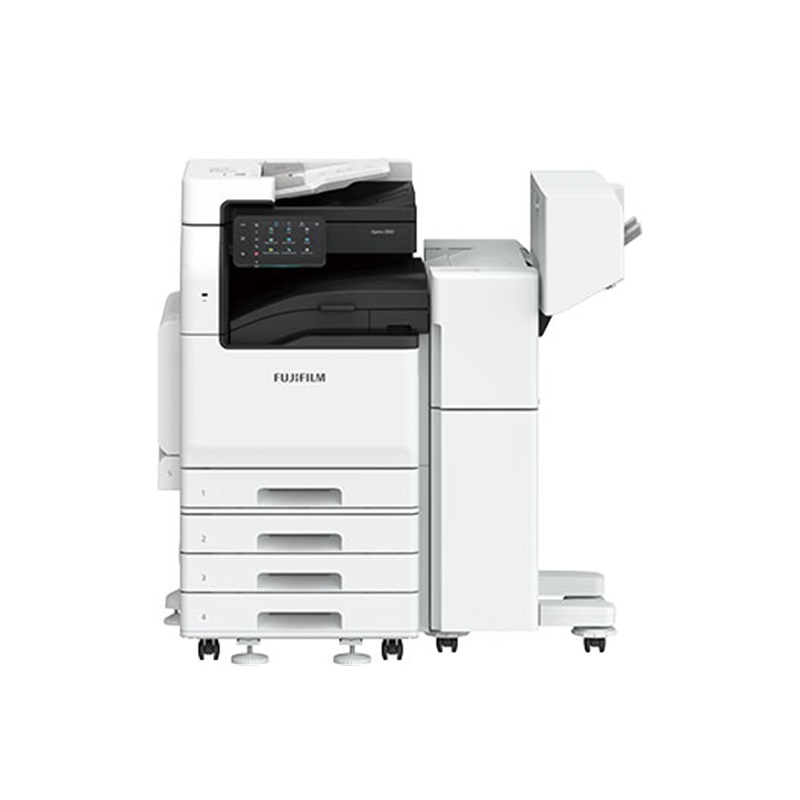
Apeos 3560 / 3060 / 2560



Overview
- Copy/Print: 3560 35 ppm*1, 3060 30 ppm*1, 2560 25 ppm*1
- Scan: Colour/Monochrome 2 sided Scanning 80 ppm*2, 1 sided Scanning 55 ppm*2
- Fax*3: Super G3 FAX
- Printing Resolution: 1,200 x 1,200 dpi
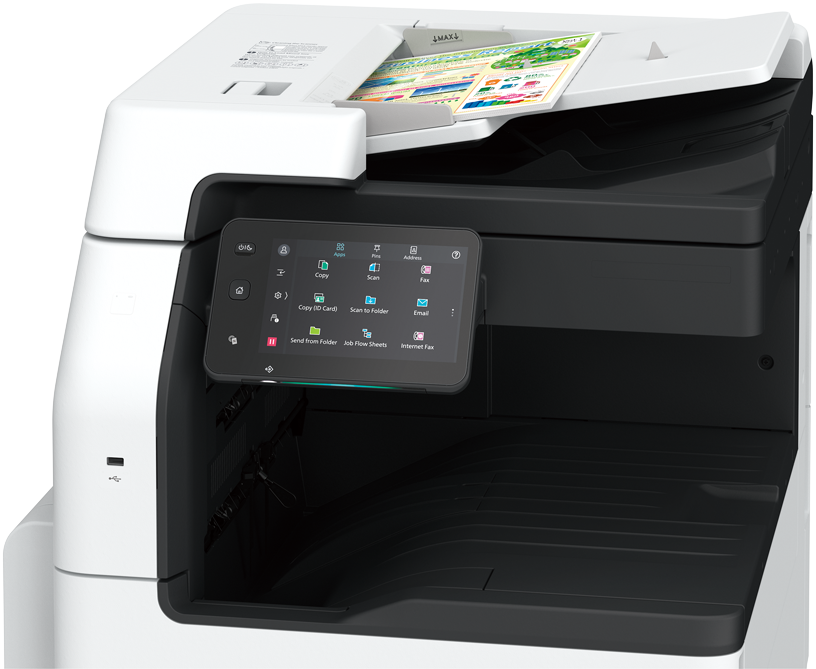
- Control Panel: 7" Tilted Colour Touchscreen
- Wireless LAN Supported*3
- Mobile Supported
- Cloud Interactive
*1 A4 LEF.
*2 A4 LEF 200 dpi to Folder.
*3 Optional.
Uncompromising usability along with compatibility
Multipurpose device with small footprint and easy setup
- Compact design with width of 590 x depth of 659 mm
- Select a right configuration of 1, 2 or 4 trays as per your growing requirements
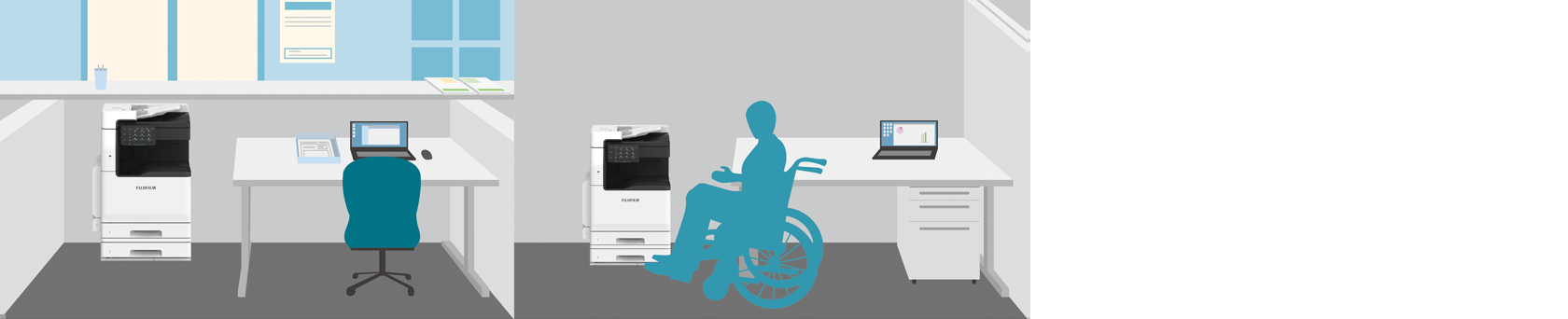
2 tray configuration with its optimal height and adjustable UI makes it easy to operate for all (including people with special needs).
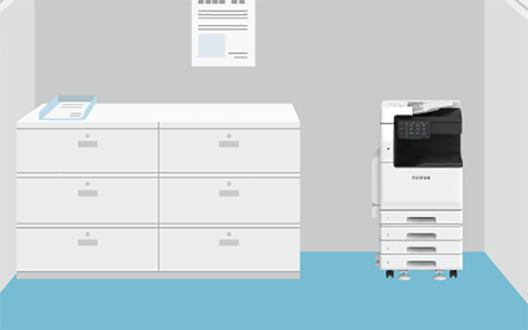
Shared machines for offices.
Uncompromising Image quality
- High-resolution printing of 1200 x 1200 dpi achieved with LED printhead
- Image Enhancement processing reproduces diagonal lines and the outlines of characters, which can become jagged when printed, more smoothly
- Achieved print that is eye-friendly and easy to scan by taking advantage of the low temperature fusing properties of EA-Eco LGK toner with lower glossiness
Quick scanning of high-volume originals
|
 |
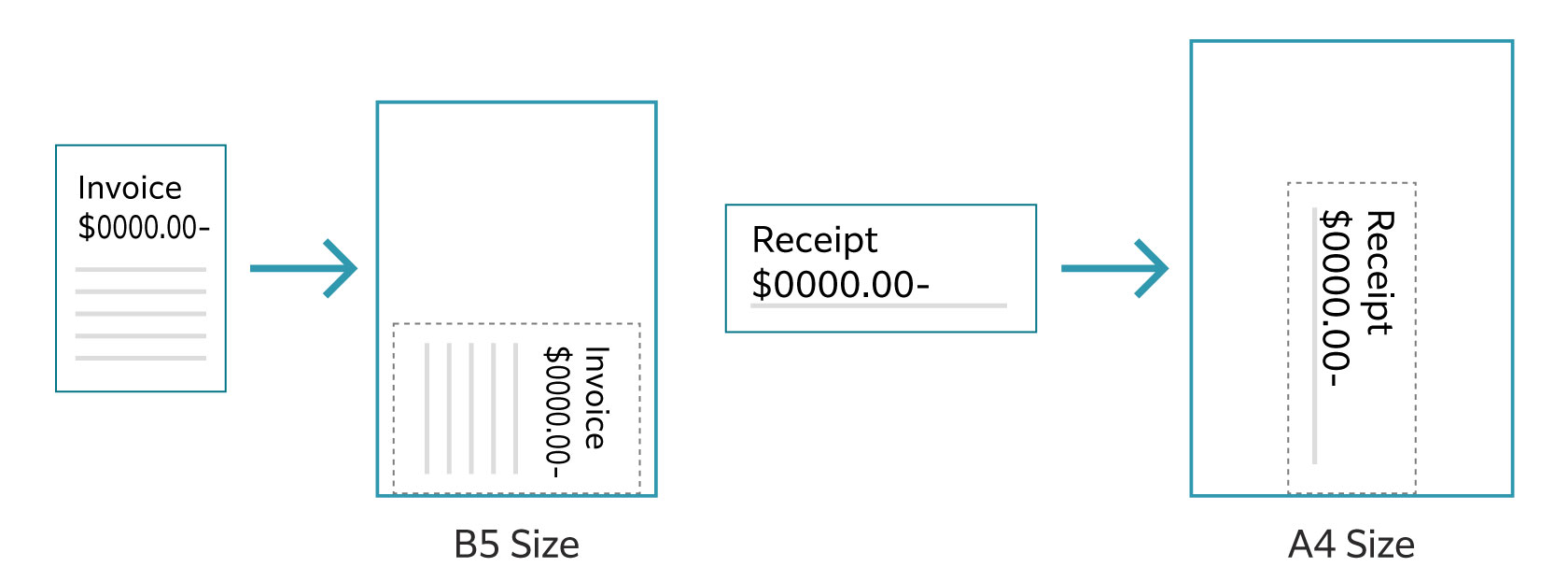
Automatically scans small originals as-is to a standard size
Quick startup and output for greater efficiency
- Fast Boot Mode prepares the operation panel in 6 seconds*1
- Quick warm up in less than 28 second
- First Copy Output Time in 4.5 seconds*2
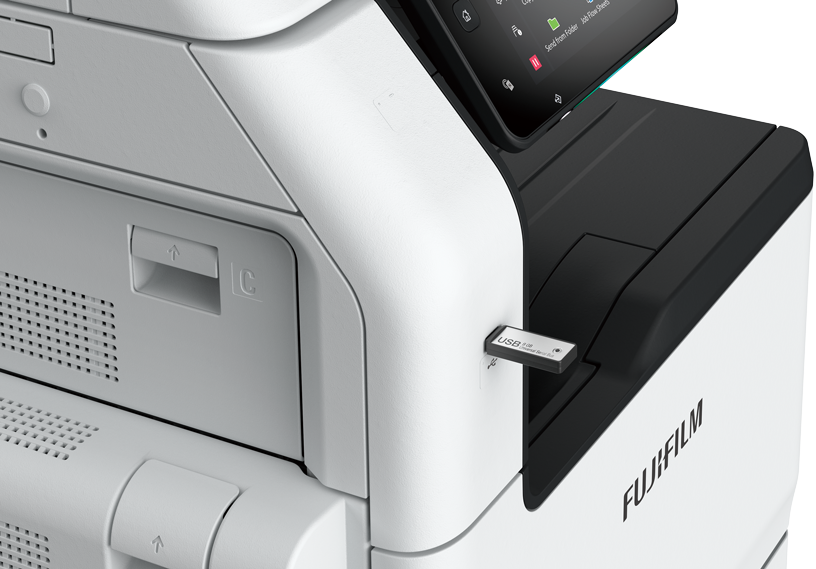
Direct scan to or print from USB for efficient operations
|
 |
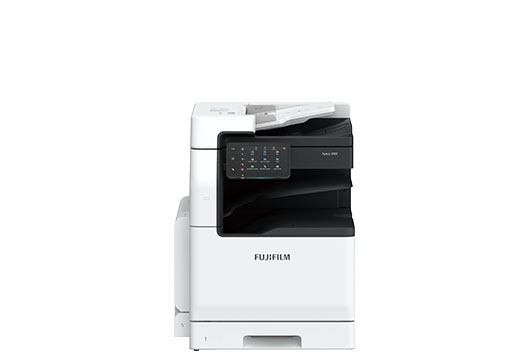
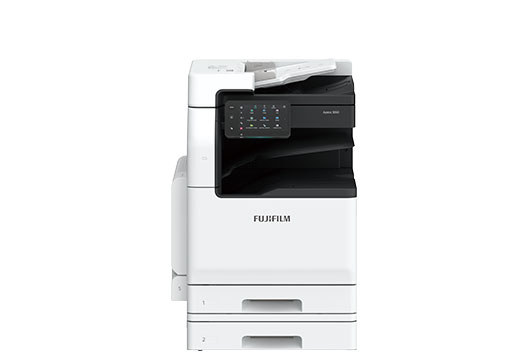
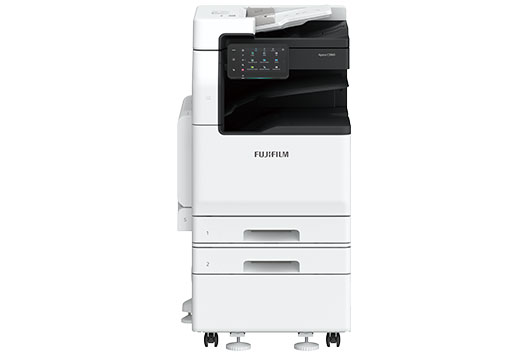
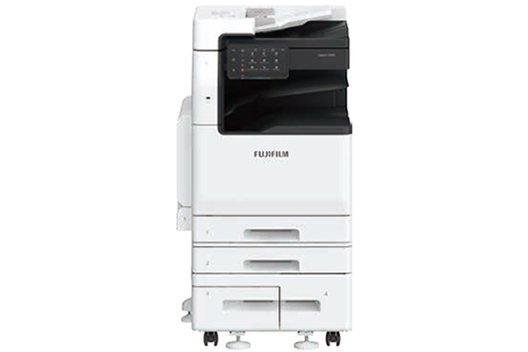
Various combinations
 |
 |
 |
.jpg) |
|||
| Standard Configuration Model-1T | With 1 Tray Module*3 | With 1 Tray Module with Cabinet*3 | With 3 Tray Module*3 | |||
|
|
||||||
 |
||||||
| With Tandem Tray Module*3 |
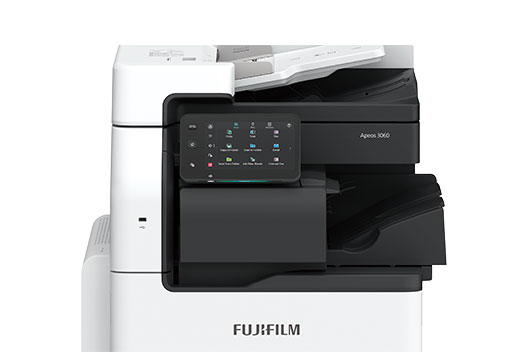
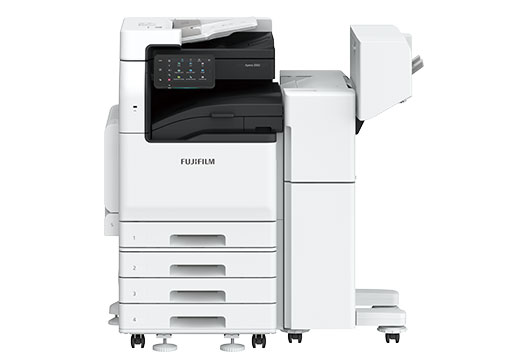
Various options are available according to your needs
Finisher-A2*3 |
Finisher-B4 with Booklet Maker Unit*3 |
|||
 |
|
 |
|
|
- *1 Depending on the status of the main unit and configuration of options, it may not operate or take more than 6 seconds.
- *2 A4 LEF for Apeos 3560 when in horizontal/Monochrome preferred mode.
- *3 Optional.
- *4 Booklet Maker Unit is required. When specifying Saddle Staple or Single Fold with Finisher-B4, paper is not folded but creased.
Quick and simple operability
Simple layout with easy navigation
Black and gray tone UI gives better contrast for easy recognition.
- Icons are evenly spread for easy recognition
- Consistent operation steps of each function for easy recall
- Home screen personalisation for ease of access to commonly used functions
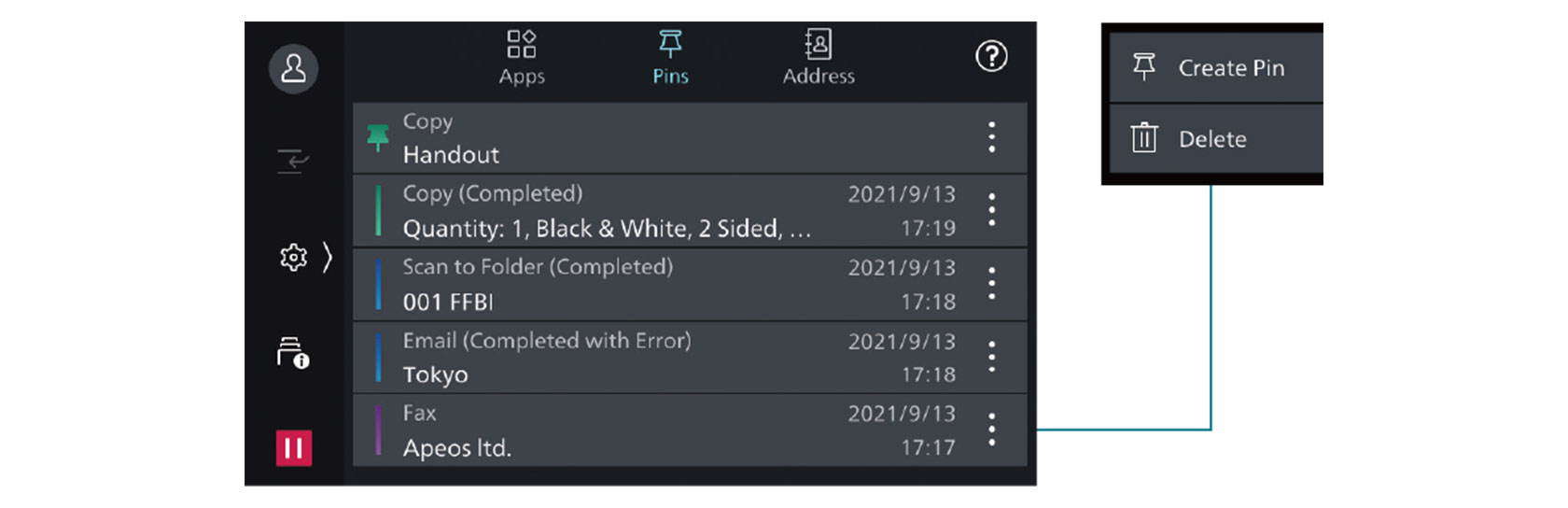
- Pin regular settings for registering frequent or repeated jobs
- Clear visible light notifications for completed or error jobs
- Subtle sound notification for alert and attention
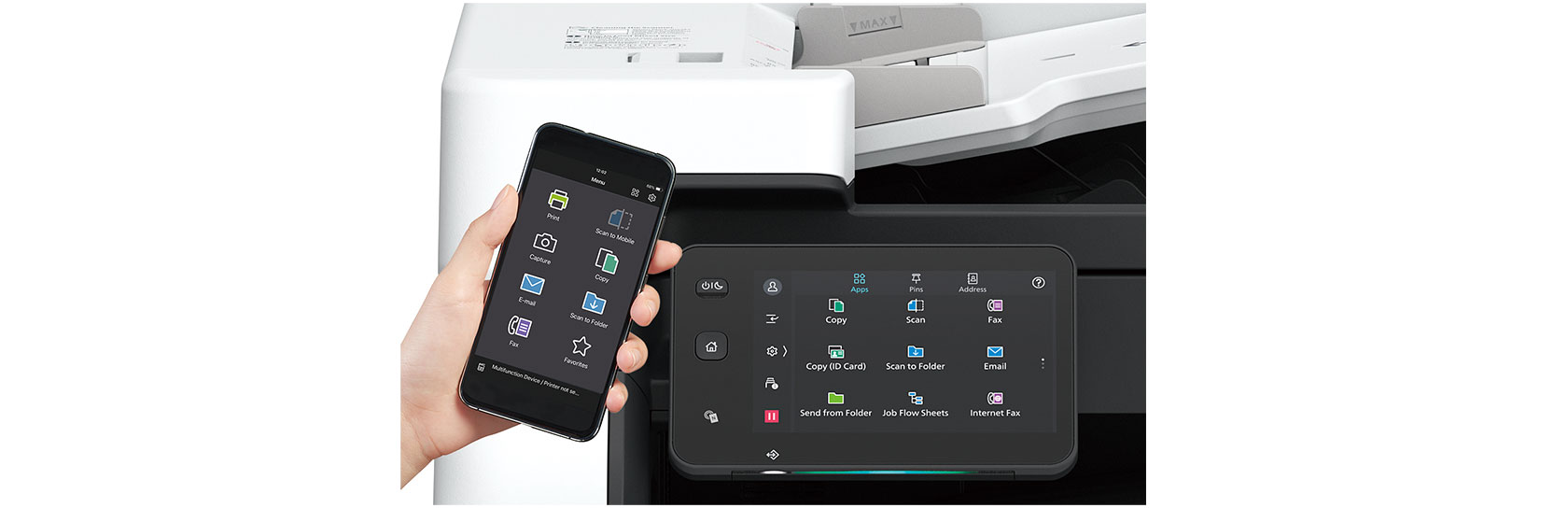
Smartphone becomes a "portable operation panel"
Seamless connectivity with mobile devices for Copy, Fax, Print, Scan*5 jobs using the Print Utility*6 application.
- Mobile device can be used as an alternative UI for operations control to minimise common touch points
- Frequent settings can be saved as "Favourites"
- Directly send fax or email with the addresses stored in the smartphone
- Minimise printer touch points for hygiene reasons
Note: Connect to machine via wireless environment or Wi-Fi direct connection.
Flexibility in office layout
Supports wireless LAN environment*3.
- Supports free addressing in the office with Wi-Fi support
- Up to five Wi-Fi Direct multifunction devices can be connected at the same time
- Supports direct mobile printing*7
- Print Utility, AirPrint, and Mopria® Print Service are supported
Multiple destination scanning
Multiple destination scan enables concurrent multi destinations, scan to PC folders, e-mail, and URL.
- Business continuity planning can be established by saving a copy of each scan on PC or Server (URL)
*5 E-mail, Scan to Folder.
*6 It can be downloaded free of charge from Google PlayTM or App Store.
*7 When connecting to Wi-Fi Direct.
|
|