Apeos C3567 / C3067 / C2567
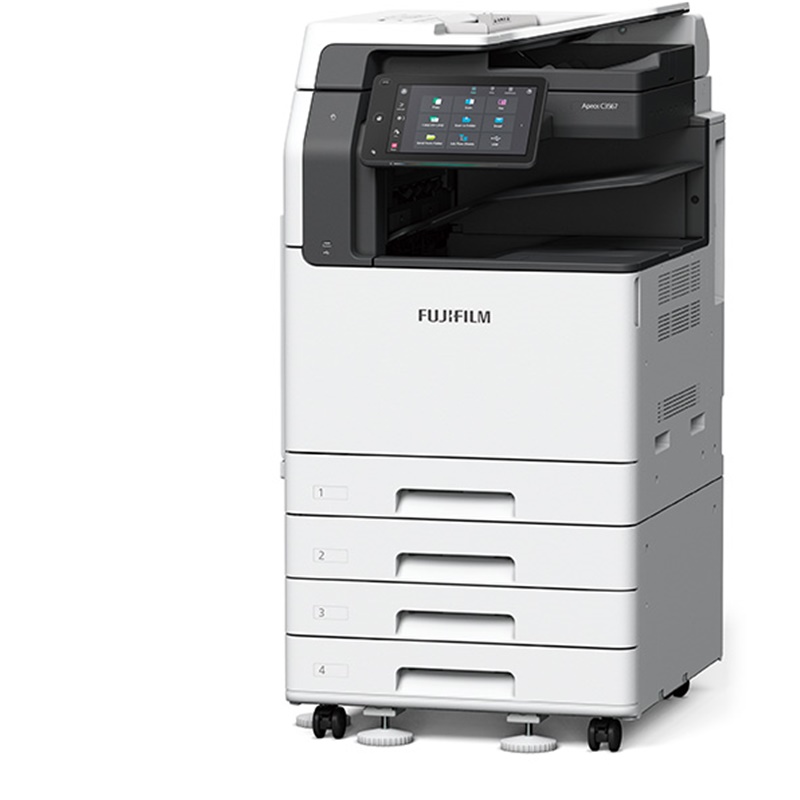


Overview
- Copy/Print: Color/Monochrome C3567 35 ppm*1, C3067 30 ppm*1, C2567 25 ppm*1
- Scan: Color/Monochrome 1 pass 2 sided scanning up to 160 ppm*2
- Fax*3: Super G3 FAX
- Printing Resolution: 1,200 x 2,400 dpi
- Wireless LAN Supported*3
*1 A4 LEF.
*2 A4 LEF 200 dpi to Folder.
*3 Optional.
SMART
Maximise your productivity by utilising intelligent technologies that optimise workflow efficiency
Accelerating digitalisation with high-performance scanner
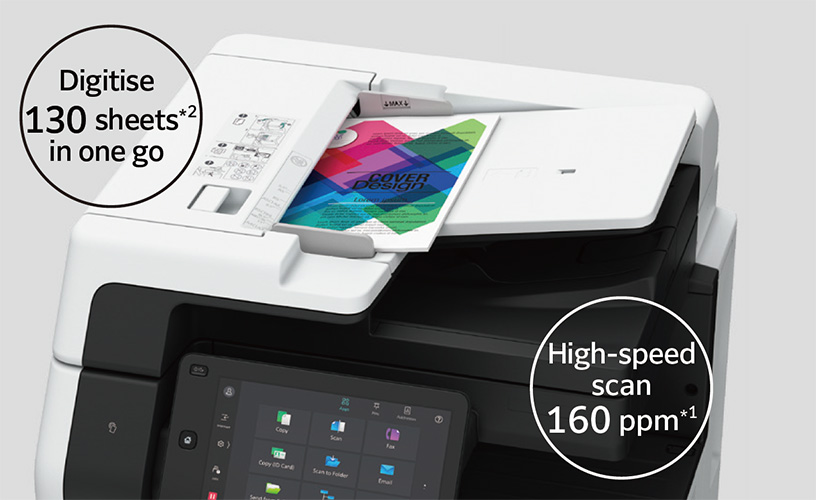
1 pass, 2-sided scanning of up to 160 ppm*1
|
The high performance 1-pass, 2-sided scanning Automatic Document Feeder holds up to 130 sheets*2 and scans 2-sided document in one go, allowing you
*1 Our Standard Document (A4 LEF), 200 dpi, to Folder. |
 |
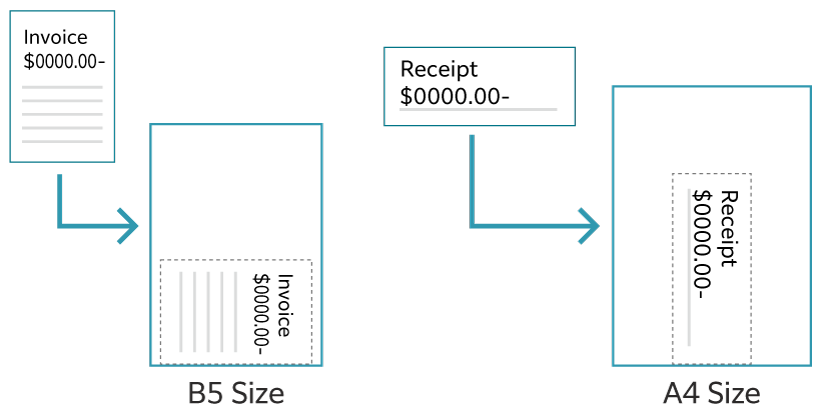
Efficiently scan non-standard size documents such as receipts
|
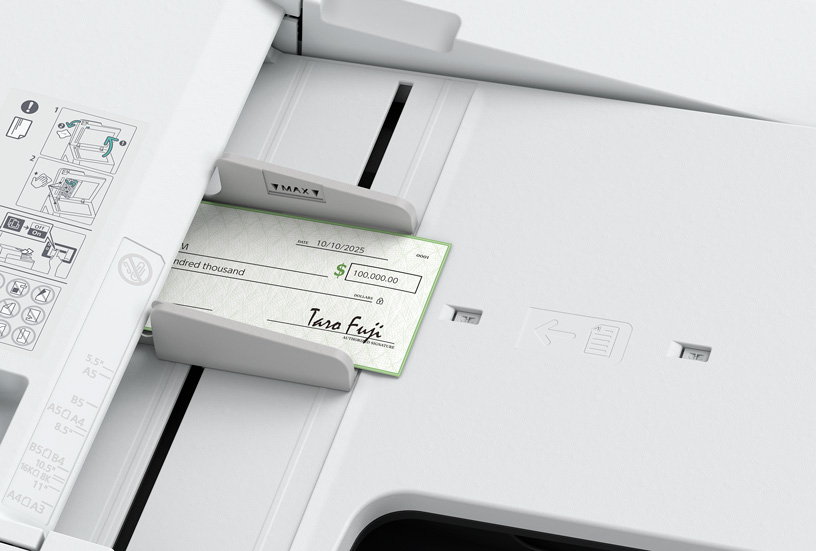
Automatically scans to the nearest standard size, eliminating the need to manually enter sizes for non-standard or small-sized*3 documents. Thick cheques and thin paper receipts*3 can also be easily digitised and managed on a PC.
Note: Custom Sizes from 49 x 85 mm to 55 x 91 mm are available from 38 to 209 gsm.
*3 Non-standard sizes up to 49 × 85 mm. For sizes 49 × 85 mm to 55 × 91 mm, paper weights between 38 and 209 gsm are supported. |
Automatically scans small originals as-is to a standard size |
Simple scanning |
Copying and scanning ID Cards |
|
|
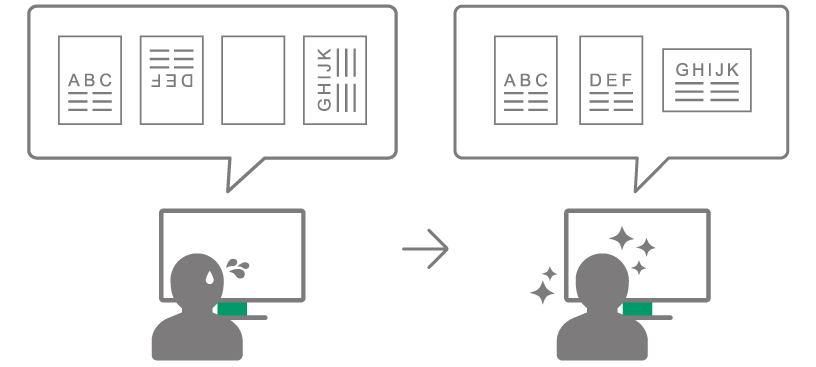
With ScanAuto, the multifunction printer will automatically select scan settings such as document orientation, colour/black and white, 1-sided or 2-sided and sends the scanned files to your email address or PC after automatically removing blank pages. |
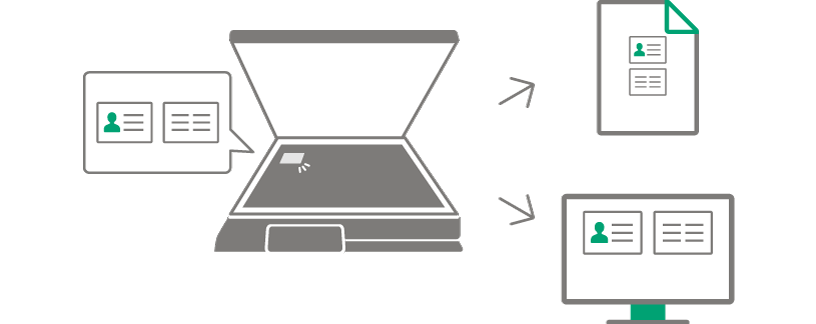
You can copy both sides of an ID card on a single sheet of paper, or scan and transfer to SMB / FTP / SFTP / Email / URL / My Folder, allowing for easy access and printing when needed. |
Server-less solutions for smarter business operations
Our multifunction printer supports server-less solutions, helping you reduce operational costs and improve efficiency without the need for additional hardware investment such as server.
- Server-less Authentication*4 integration manages and shares user authentication information securely between multiple printers without the need of a server.
- Server-less On-Demand Print*4 manages and connects multiple devices, having the flexibility to print and collect the printouts from any of the connected devices.
*4 Optional.
DYNAMIC
Designed to flexibly adapt to evolving office environments and diverse workflows
New large-sized 10.1-inch control panel delivers intuitive user experience and personalisation
The control panel serves as the gateway, connecting you to various smart applications on the multifunction printer at the touch of your finger. The large capacitive touch panel provides excellent visibility and operability, responding to every touch and swipe for effortless navigation.
Note: The displayed screen differs from the factory default. Additionally, the LED lighting status varies depending on the situation. The LED lighting status in the image is for illustrative purposes only.
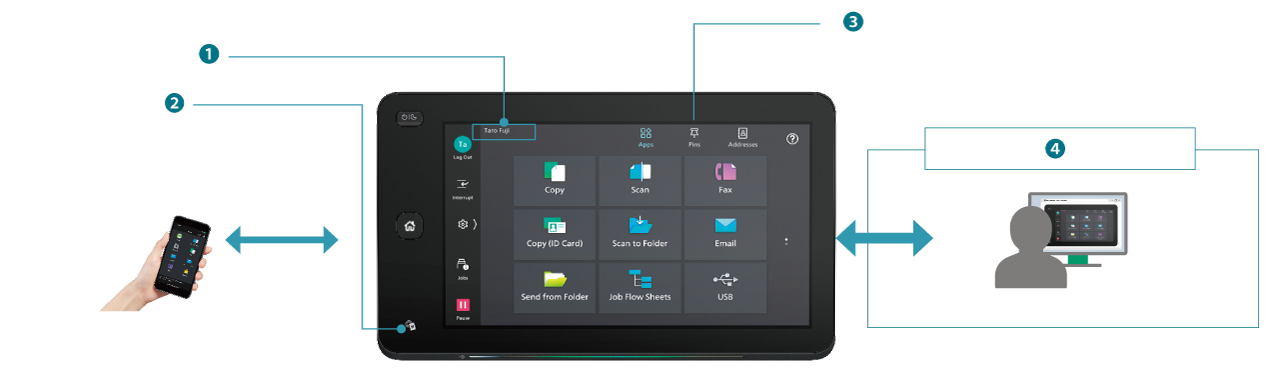
- Login name display
- NFC touch area
Easily connect with mobile devices. Using Print Utility*5, you can perform basic multifunction printer operations*6 from your smartphone.
Note: Connect to machine via wireless environment or Wi-Fi Direct® connection.
Note: AirPrint, Mopria® Print Service, and Mopri Scan are supported for printing or scanning by using a mobile device.
- Quickly access frequently used settings
On the Pins screen, you can restart jobs from the job history. Frequently used settings can be “pinned” to save time. - Remote Operation Panel
Set up and update remote multifunction printers
Device administrators can set up and manage the multifunction printer remotely. By launching the Remote Operation Panel from a web browser, the multifunction printer's control panel can be displayed to and operated from a PC.
Note: Within the same intranet. While the Remote Operation Panel is active, the multifunction printer's control panel cannot be operated. Additionally, the Remote Operation Panel cannot be launched while the user is operating the multifunction printer.
*5 It can be downloaded free of charge from Google Play™ or App Store.
*6 Copy, Fax, Print, Scan.
Supporting Universal Print by Microsoft |
Small footprint fits in every office space |
||
|
By registering the Apeos C3567 series to Universal Print by Microsoft in advance, users*7 authenticated with Microsoft Entra ID*8 can print from anywhere through cloud. *7 Organisations with Microsoft Windows Enterprise or Microsoft 365 subscriptions. |
The compact design with width of 577 mm and depth of 671 mm*9 fits everywhere, including tight spaces, maximising office space utilisation. *9 For 1 Tray standard configuration. |
||
|
|
|||
Make an impression with every print |
Produce promotional materials in-house and on-demand |
||
| Newly developed toner produces exceptional colours in every tone and shade, while high resolution of 1,200 x 2,400 dpi delivers precise lines and text, giving every print a professional look. | 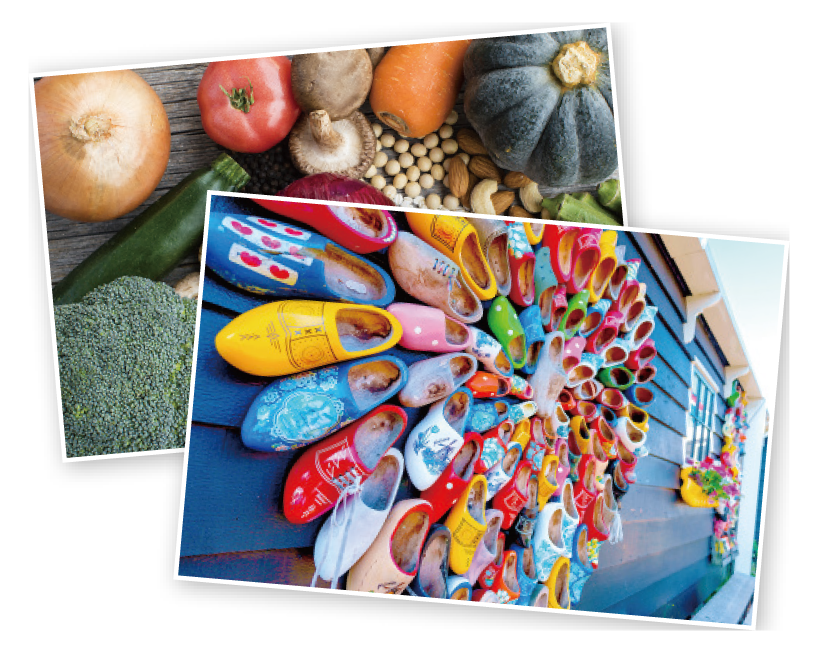 |
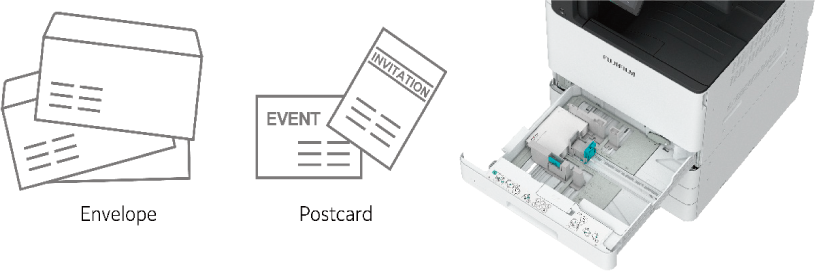
Supports wide range of paper size and weight*10, giving you the flexibility to personalise and print on envelope*11, direct mail, posters, promotional banners, or even long POP displays*12. *10 Paper weight from 52 to 300 gsm.
|
|